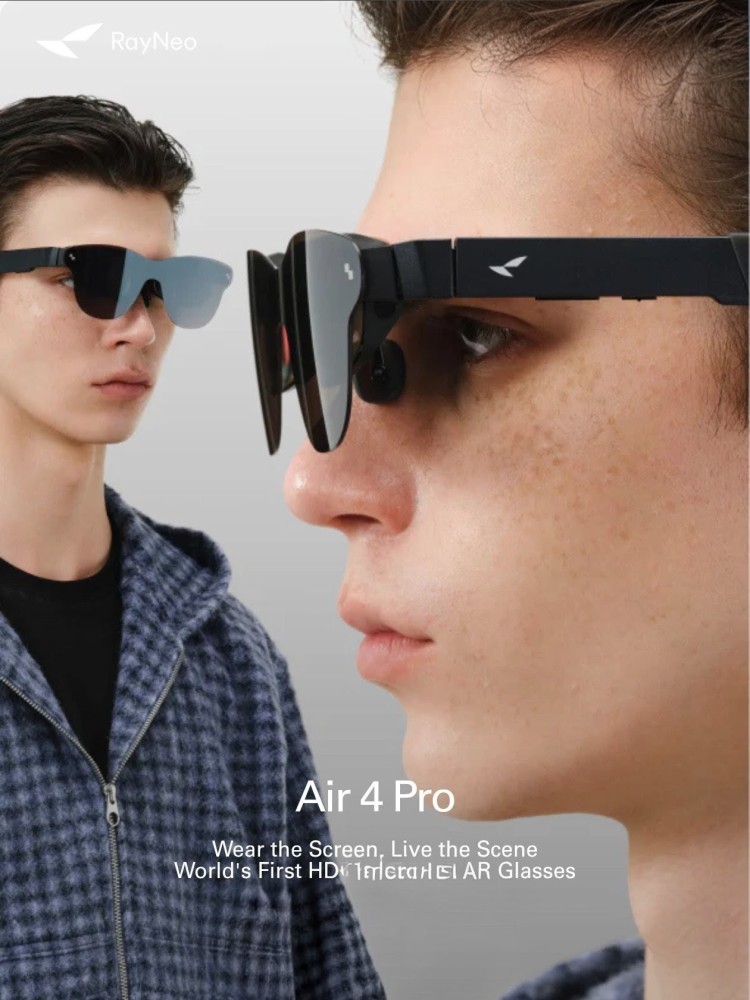
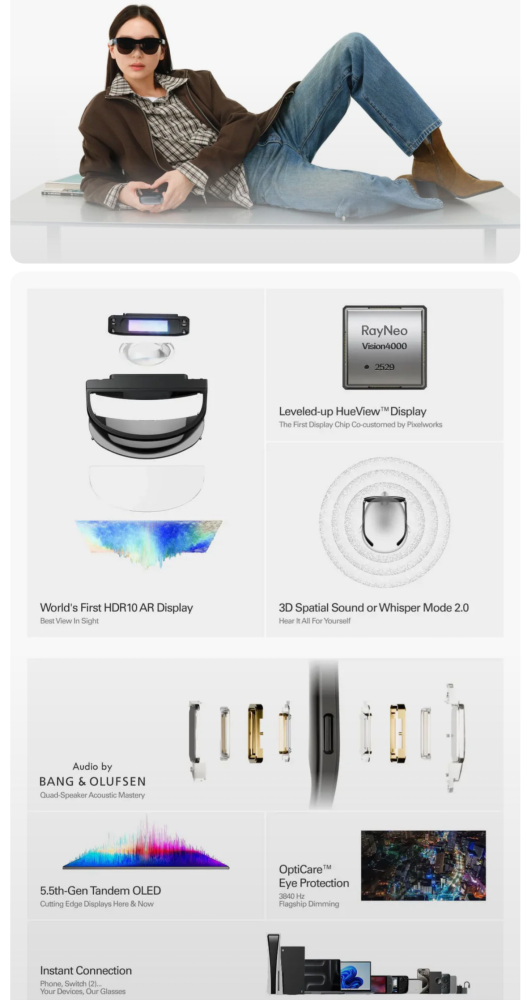
Introducing the Rayneo Air 4 Pro augmented reality glasses, an exciting pair of AR glasses that create a 20.1-inch screen, allowing you to see what’s happening around you and avoid feeling isolated. They also boast sublime sound with Bang & Olufsen speakers, which include a special mode (Whisper Mode) so you can hear everything without disturbing those nearby.
SPECIFICATIONS
Model: RayNeo Air 4 Pro
Display: HueView 2.0
Two 0.6-inch SeeYa micro-OLED displays (1080p 120Hz)
201-inch virtual screen (FoV 46°)
Brightness: 1,200 nits (20 levels) PWM dimming at 3,480 Hz Contrast: 200,000:1
145% sRGB DCI-P3 98%
Processor: RayNeo Vision4000
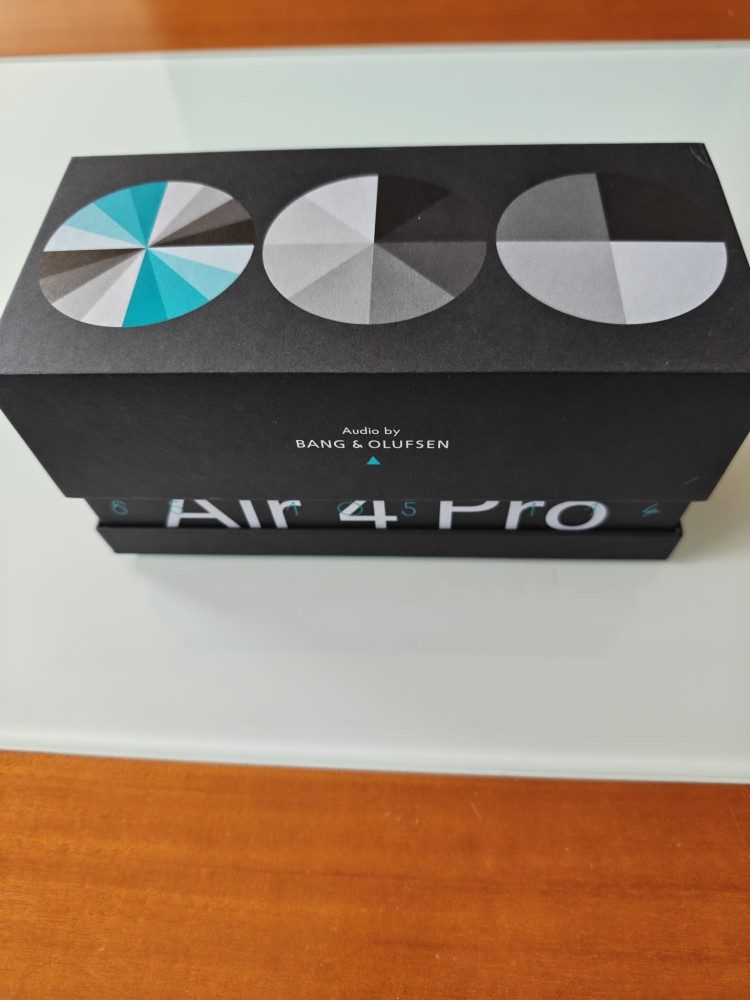
Audio: Four Bang & Olufsen speakers with Whisper Mode
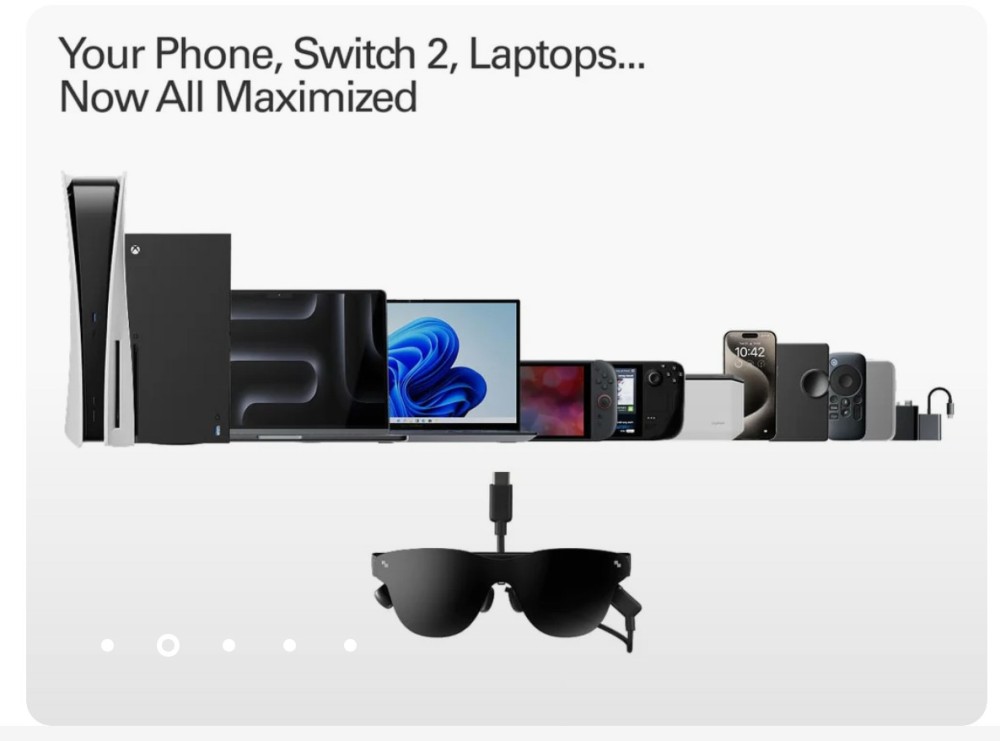
Connectivity: USB-C with DisplayPort support
Compatibility: iPhone 15+, OnePlus 7+, Pixel 8+, Mate 50+, Galaxy S21+, Honor Magic 3+
Tablets, handheld consoles, PCs
App: Android and iOS app (Rayneo XR)
Dimensions: 176.5 × 154.3 × 47.4 mm
Weight: 76 grams
UNBOXING
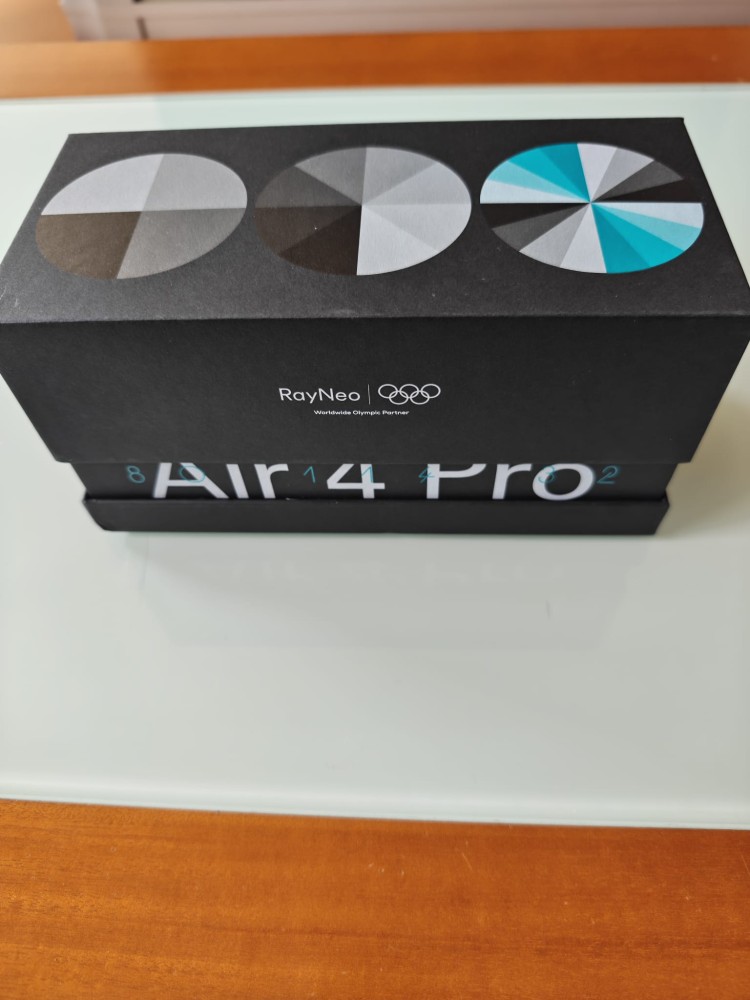
We’re starting our Rayneo Air 4 Pro review with the unboxing video.
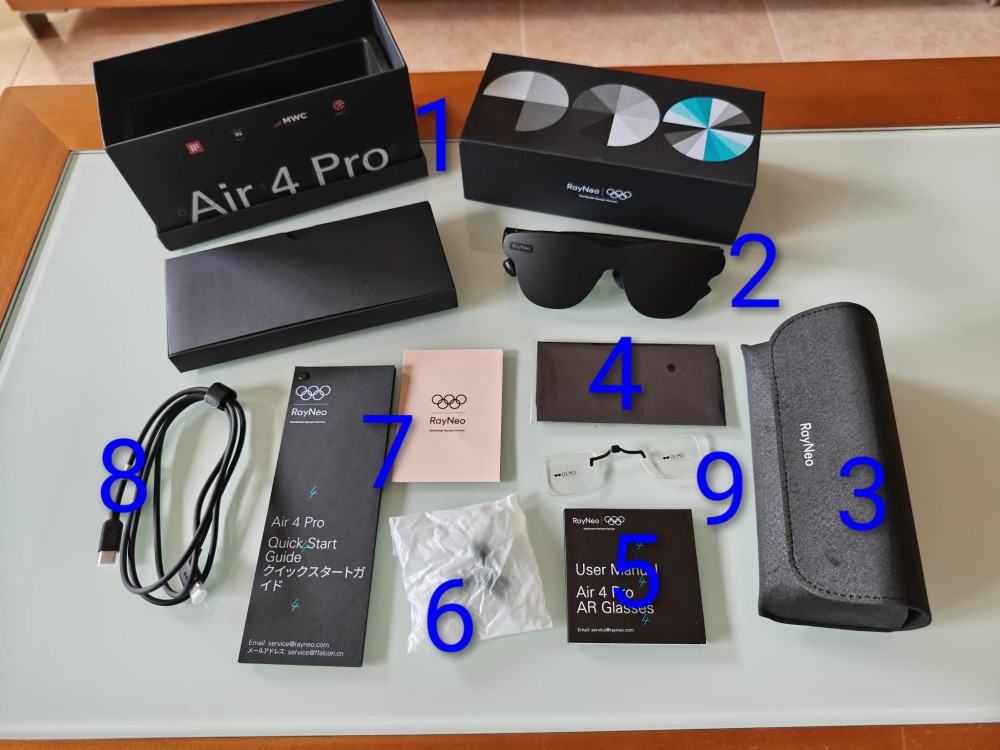
Here are some photos of what’s in the Rayneo Air 4 Pro box. As you can see, it includes:
1 Cardboard box
2 Rayneo Air 4 Pro glasses
3 Carrying case
4 Cleaning cloth
5 User manual
6 Replacement nose pads
7 Warranty and quick start guide
8 USB-C to DisplayPort cable
9 Lens attachment
THE RAYNEO AIR 4 PRO GLASSES
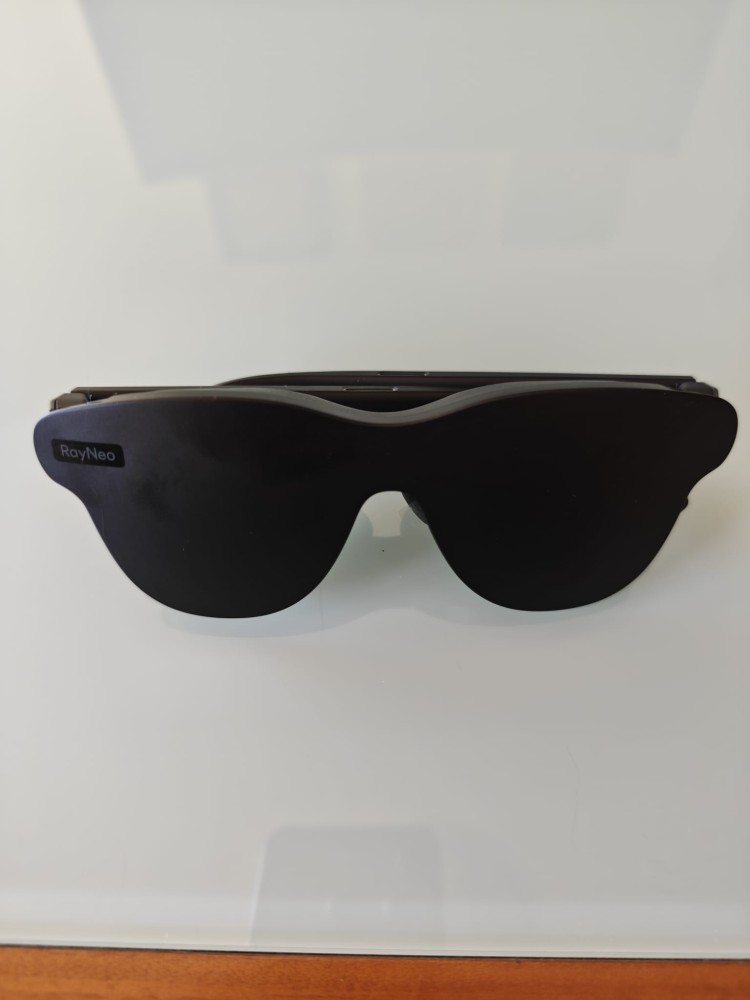
We continue with the review of the Rayneo Air 4 Pro. Once we have the glasses out of their protective case, we notice that they come with a kind of black plastic cover that protects the lenses. Besides protecting them, this creates a greater sense of isolation, as the lenses alone don’t provide as much privacy.
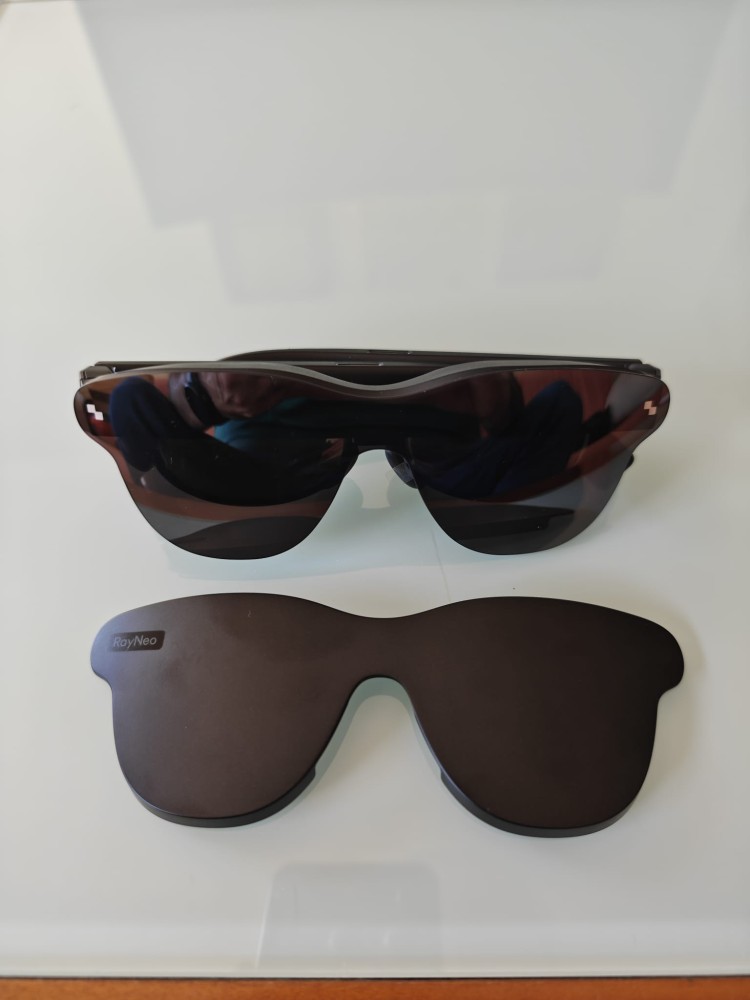
The glasses have a good quality plastic frame and tinted lenses that resemble sunglasses. Their size (176.5 × 154.3 × 47.4 mm) makes them larger than sunglasses, and their weight (76 grams) suggests they will be comfortable to wear.
SOUND / TEMPLE / SCREEN
As I mentioned in the specifications, the Rayneo headphones come with a Bang & Olufsen sound system featuring four speakers integrated into the temples—two at the top and two at the bottom—offering a unique 360° sound experience that delivers superb audio quality. They are also equipped with Whisper Mode to avoid disturbing those around you.
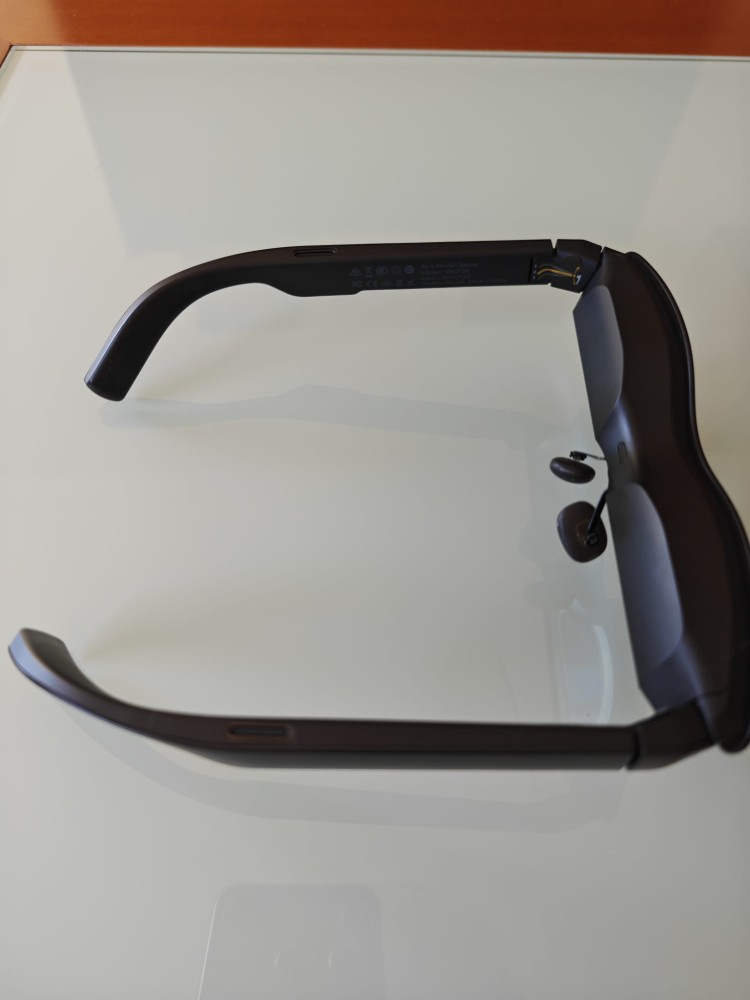
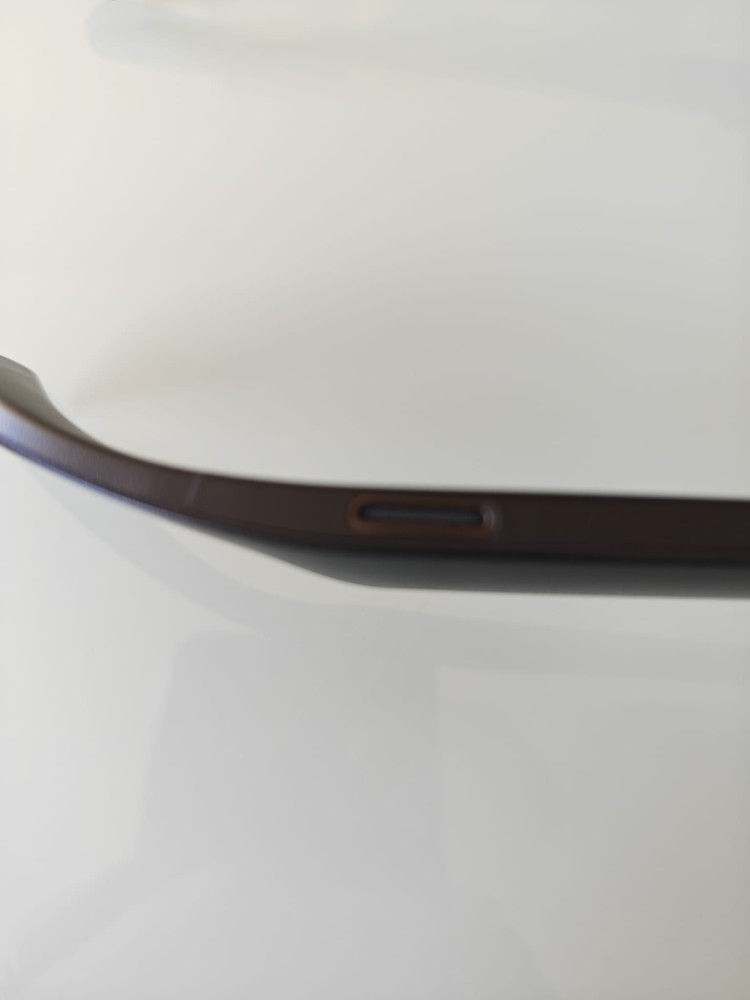
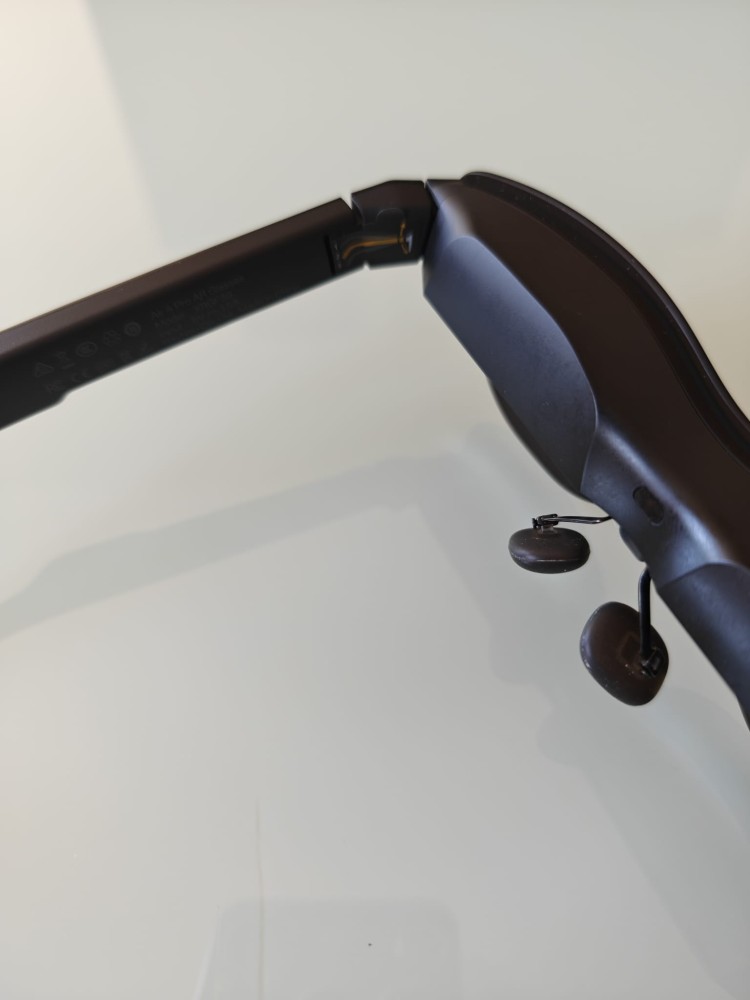
Speaking of the temples, I’ll show you that they can be adjusted to three different angles to improve eye positioning in front of the screen. It’s worth noting that adjusting this system is a bit stiff, and at first, it feels like you’re going to break the temples, but they do eventually give way.
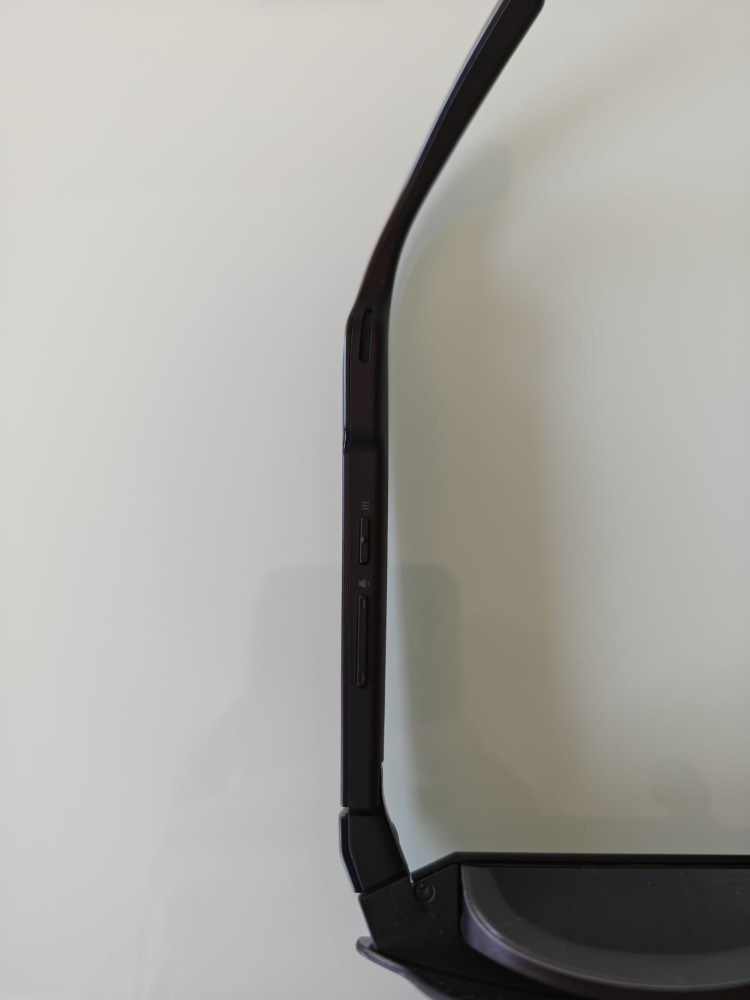
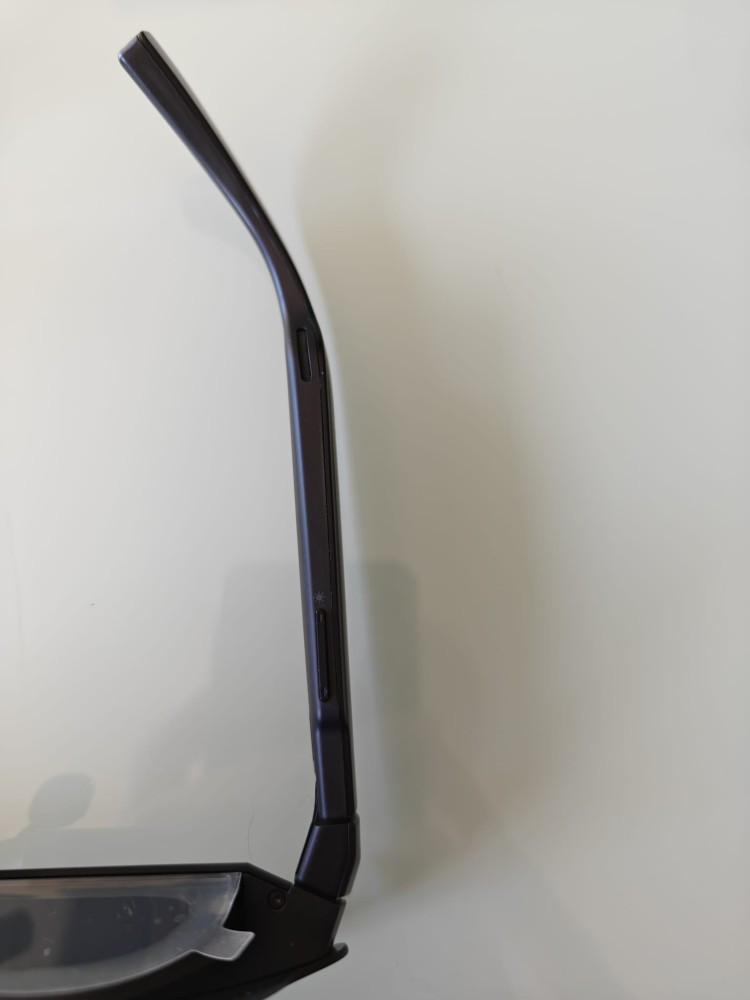
As you can see, the buttons for adjusting brightness, volume, and accessing a settings menu are located on the underside of the temples.
Also, remember that the glasses include two adjustable nose pads that allow you to comfortably fit them to your nose and center the screen. They also accept a prescription glasses adapter included in the box.
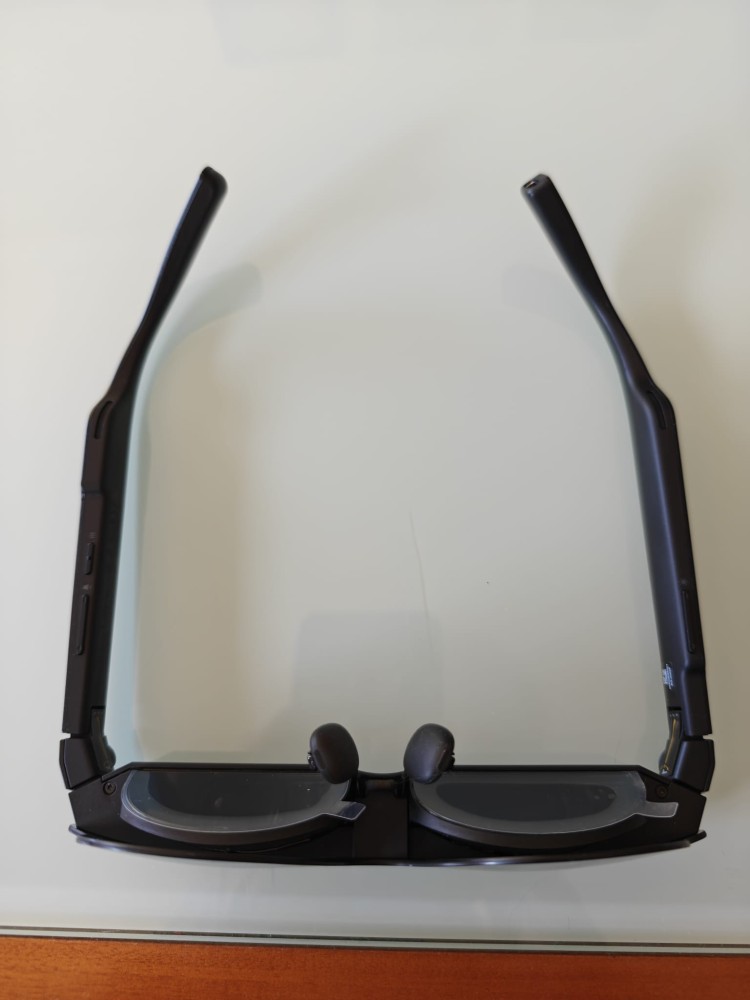
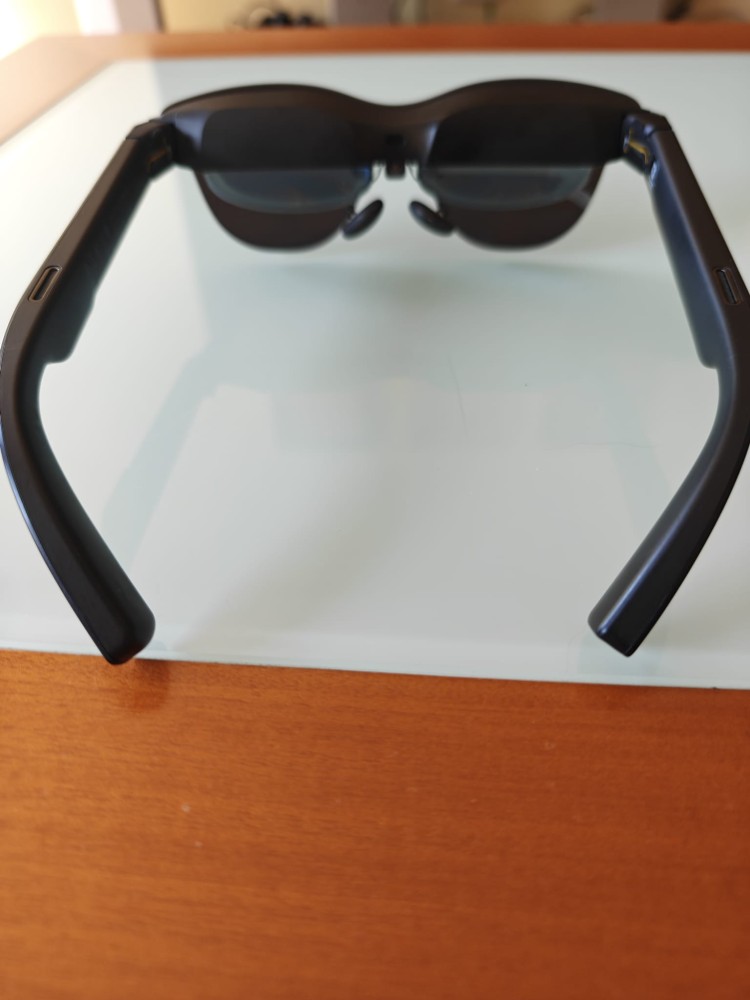
What stands out and is most important about these glasses are their two 0.5-inch screens with Hueview 2.0 technology and two micro OLED panels with 1080p resolution and up to a 120Hz refresh rate, allowing you to see a virtual screen in front of you of up to 201 inches. These panels have a configurable brightness of 1200 nits to avoid eye strain and allow you to view HDR content.
USB-C CONNECTION
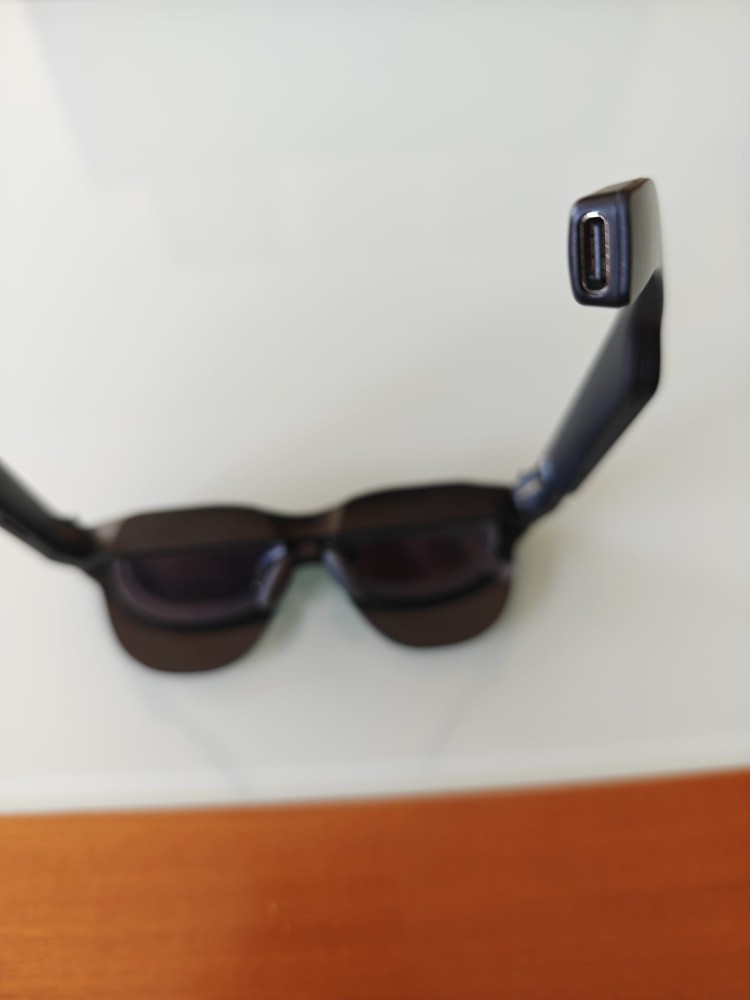
Unlike other AR glasses that have a battery, the Rayneo Air 4 Pro must be connected at all times via the USB-C port on the right temple. It might be a little inconvenient to have the cable attached all the time, but the advantage is that they don’t have the weight of a battery in the glasses, making them more comfortable.
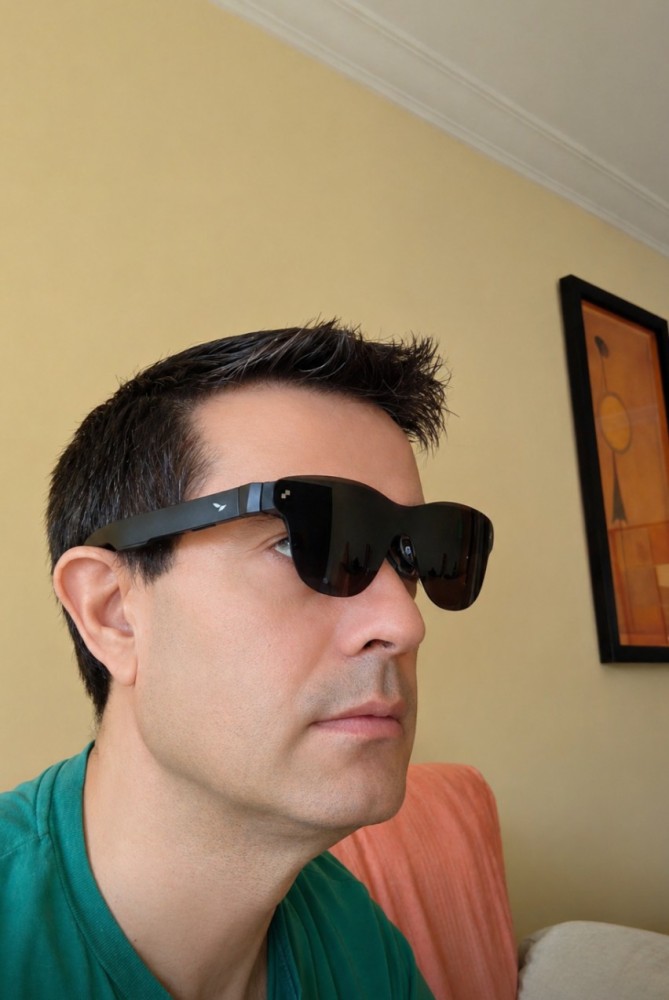
The USB-C connection is through another USB-C port that can provide video output (DisplayPort). Here I have to say I was a little disappointed, because I thought it would connect to the phone I regularly use, the Nothing Phone 3, which has a USB-C output, but it’s USB 2.0 and therefore doesn’t offer video output, so I couldn’t connect them to it. Luckily, I had an older phone at home that did allow the connection.
I connected them to both my old Samsung Galaxy Note 8 smartphone and my partner’s Macbook Air 13 laptop. In both cases, they connected instantly and duplicated the image on the glasses, extending it in front of us; it’s like seeing it suspended in front of our eyes.
IMAGE
Once connected and adjusted to our liking, the image quality through their OLED micro-displays is surprising. Once on, since they don’t cover our entire field of vision as they aren’t completely closed like other AR/VR headsets, the full 201 inches might not be fully appreciated. Outdoors, it’s perhaps more noticeable from a distance, but at home, sitting on the sofa with the wall in front of us, it feels like between 90 and 110 inches.
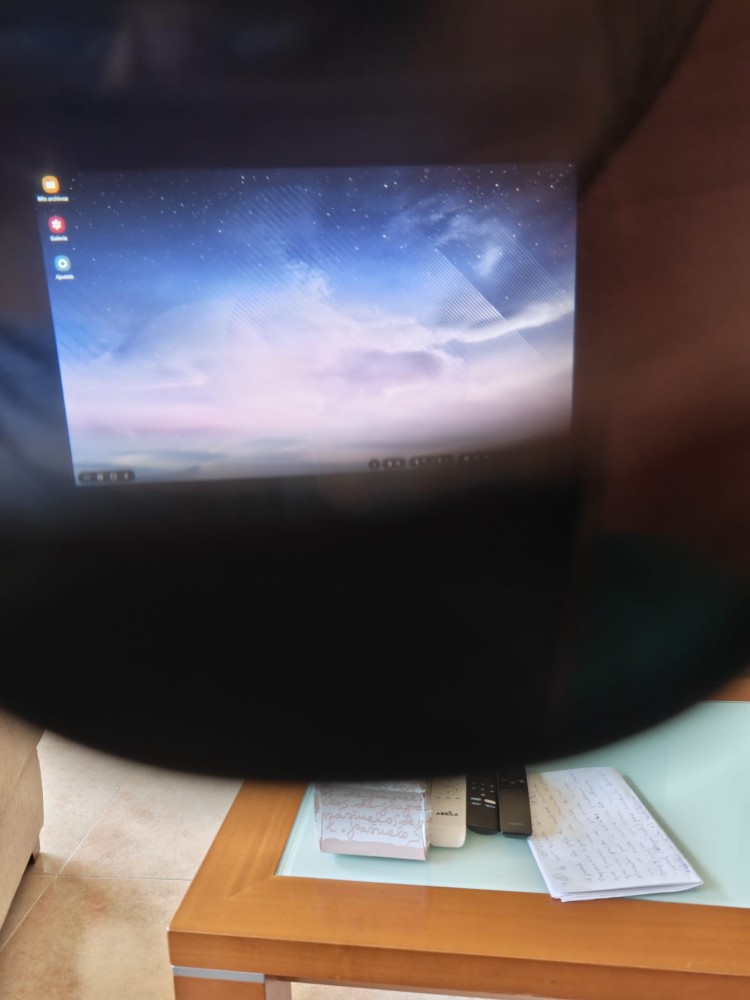
In any case, the screen definition is fantastic with realistic colors, and the experience is incredible. I have to say that I find it more comfortable to watch something or interact with the smartphone than with a computer, since moving my head to type something detracts somewhat from the image.
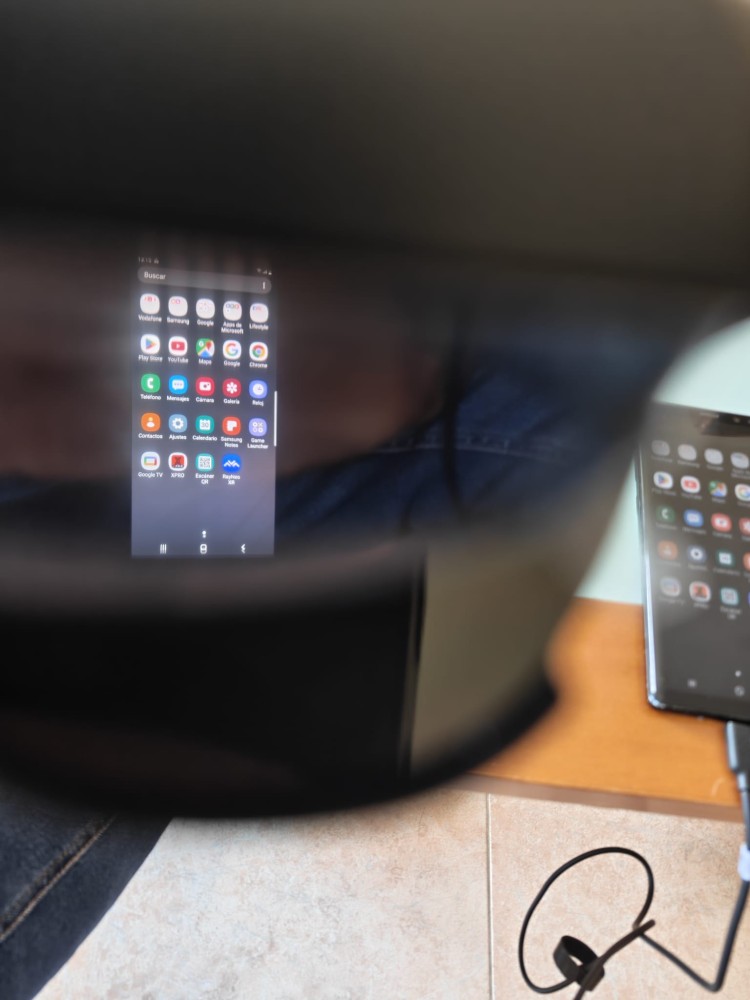
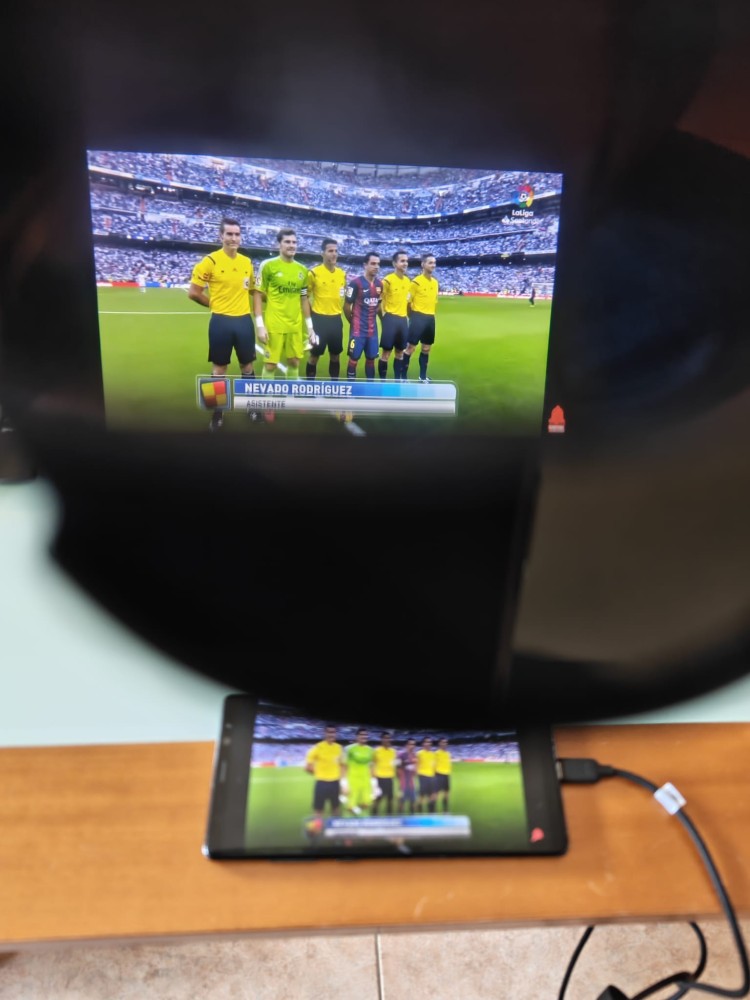
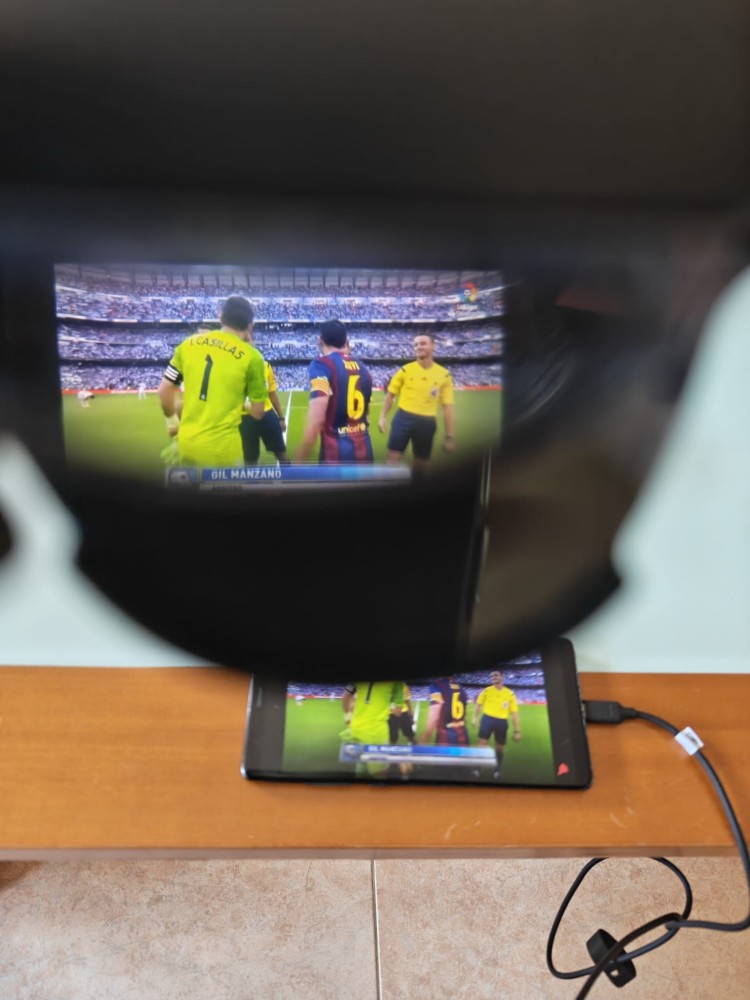
If we add to all this the incredible sound, thanks to the Bang & Olufsen speakers, watching a movie or series becomes truly amazing.
RAYNEO XR APP
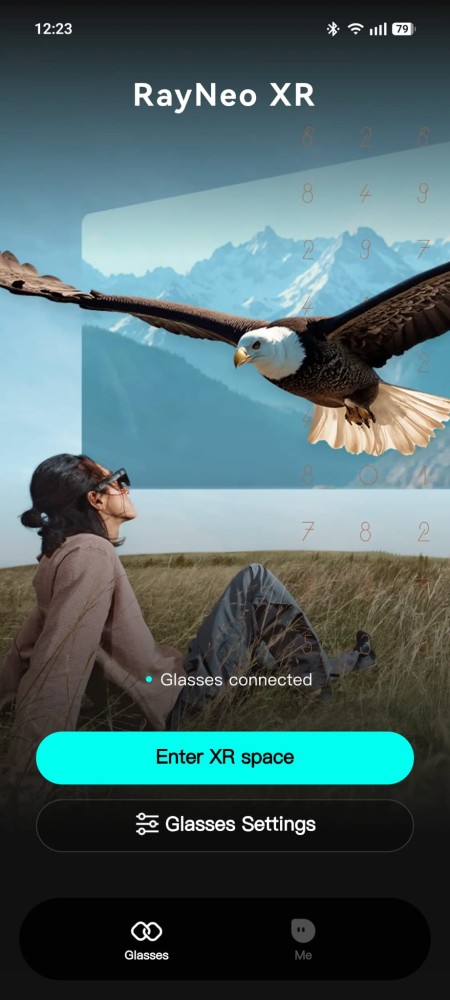
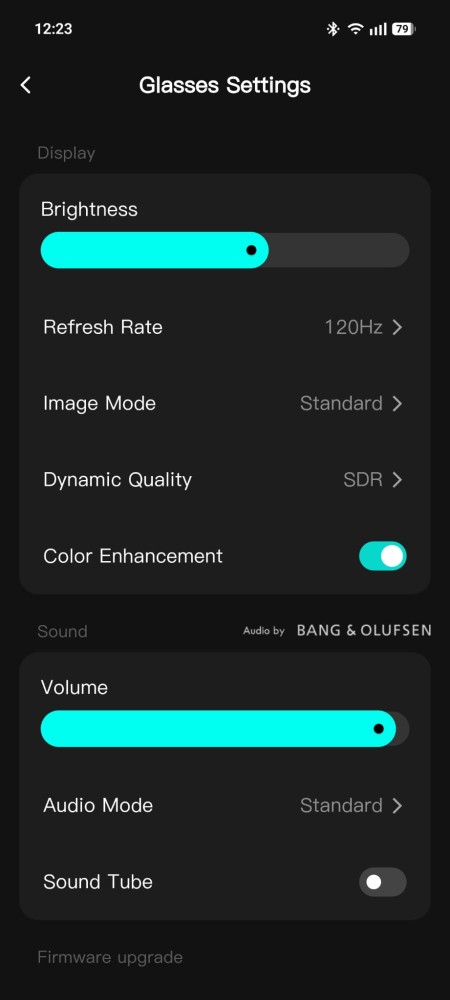
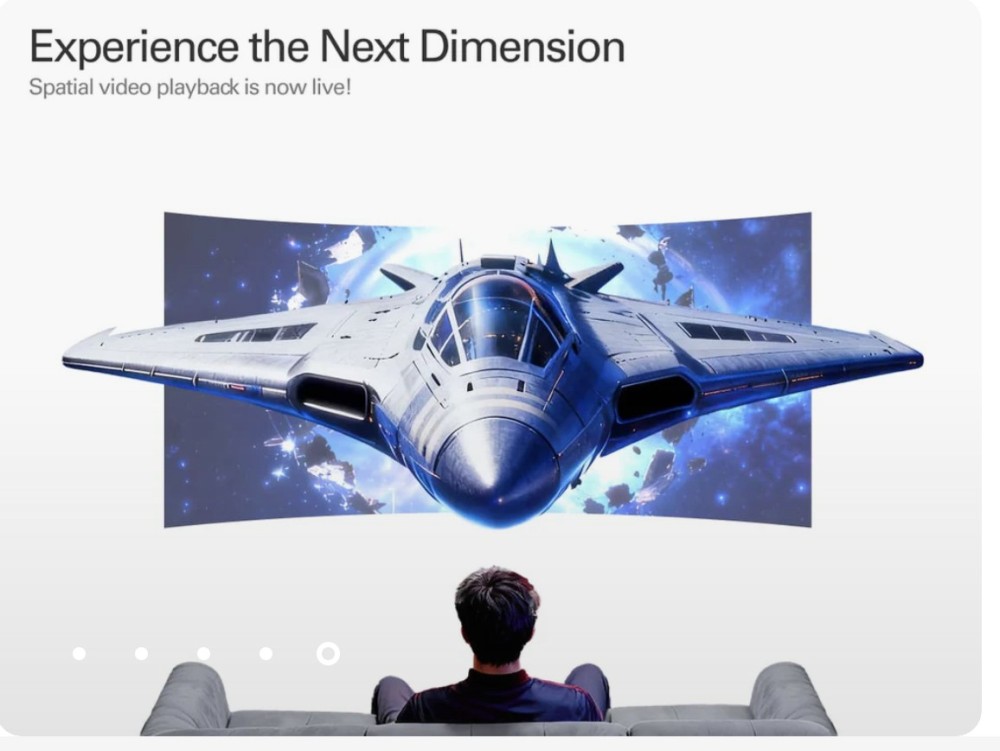
A fairly simple app with a menu for adjusting the glasses, which I haven’t quite figured out. When I access it, the image on the glasses disappears, and when I try to activate 3D, the screen goes black. It might be a smartphone compatibility issue.
CONCLUSIONS
After testing the Rayneo Air 4 Pro glasses for two weeks, we can say that it’s a very interesting gadget that can be taken anywhere and can double your screen up to 201 inches, just like a projector.
It’s true, as I mentioned before, that at close range they don’t seem so large (201″), but the definition and sound are spectacular. You can use them while traveling, working from home, or in bed or on the sofa to enjoy your favorite movies or series. On the downside, the temple adjustment is very stiff and feels like it might break. Some people may also find that the temples or nose pads don’t adjust properly, or they may need to use the prescription adapter for nearsightedness.
PROS
+ Excellent value for money
+ Screen size up to 201″
+ Image and color quality
+ Exceptional sound
CONS
- Temple adjustment issues
- Inconvenient USB-C connection
- No operating system/battery included
- Basic app
Finally, for €299, owning AR glasses of this quality is a very interesting product to consider, especially if you’re interested in augmented reality glasses.
My rating is 4.5 out of 5.
